Free Digital Clock Widget ✨
Instruction: Copy and paste the links to your Notion dashboard.
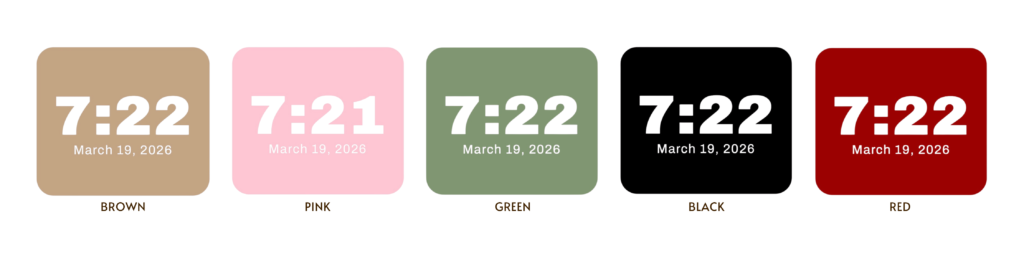
🔗 Widget Links
Brown: https://gracedigitalsco-brown-digital-clock.vercel.app/
Pink: https://grace-digitals-co-pink-digital-cloc.vercel.app/
Green: https://gracedigitalsco-green-digital-clock.vercel.app/
Black: https://gracedigitalsco-black-digital-clock.vercel.app/
Red: https://gracedigitalsco-red-digital-clock-w.vercel.app/
🤔 How to embed the digital clock on Notion?
- Choose your desired color from the options above and click the “Copy URL” button.
- Next, you’ll be directed to the Vercel website.
- Copy the URL link from the search bar.
- Open your Notion dashboard and type /embed.
- Paste the link to the embed block on Notion and click the Embed link button.
- You’re set to go! ✨
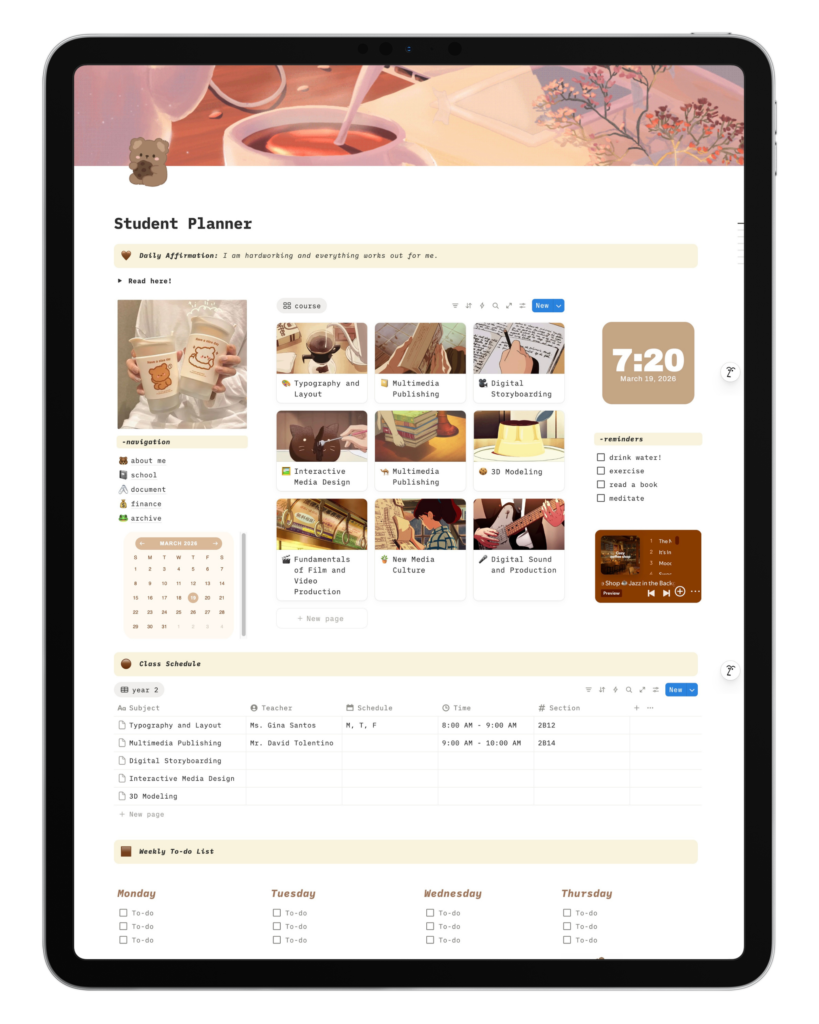
Digital Clock Widget on a Notion Dashboard! 🌟
See how the widget looks like when embedded on Notion.
☕️ Want to support my work? Buy me a coffee here: https://ko-fi.com/gracedigitalsco
Leave a Reply