I started using Notion way back in early 2023 to track the progress of my freelance projects.
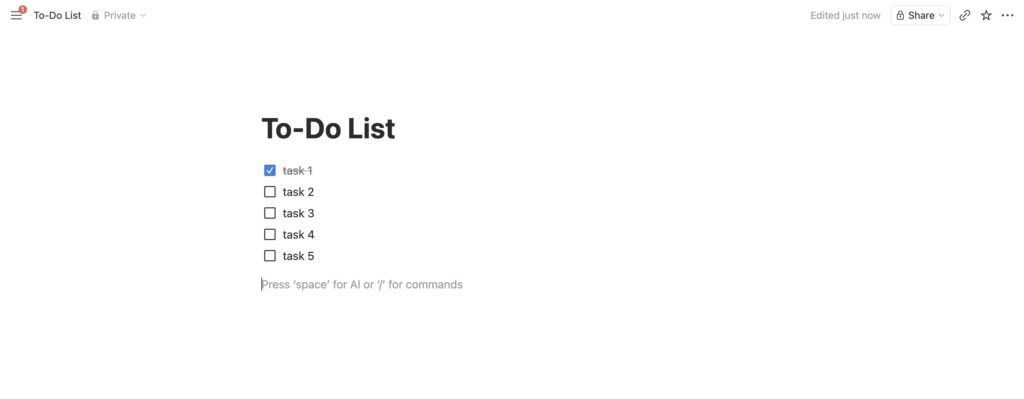
As a beginner, all I knew was how to add the checkbox properties.
If you’re curious, this is what it looks like 👇
It’s funny but I felt technologically illiterate the first time I opened Notion.
I didn’t know how to add databases.
Heck, I didn’t even know what databases were. 😆
I just called them tables.
A year later, I decided to open a Gumroad shop—yes, your gurlie pop needed a side hustle!
Out of all the possible digital products on the internet, I could think of…
I decided to sell Notion templates.
Why?
I came across a blogger on Medium who made $100 from selling Notion templates in one month.
Ever since that day, I dreamed of launching my own digital product business… which I later called Grace Digitals Co.
But wait, I didn’t even know how to use Notion.
How was that possible?
Well…
Seeing aesthetically pleasing Notion templates on Pinterest had always awakened the sleeping dragon inside me.
Wait, that sounded exaggerated. 😂
Let me paraphrase it…
Every time I see pretty designs, I always get inspired to create.
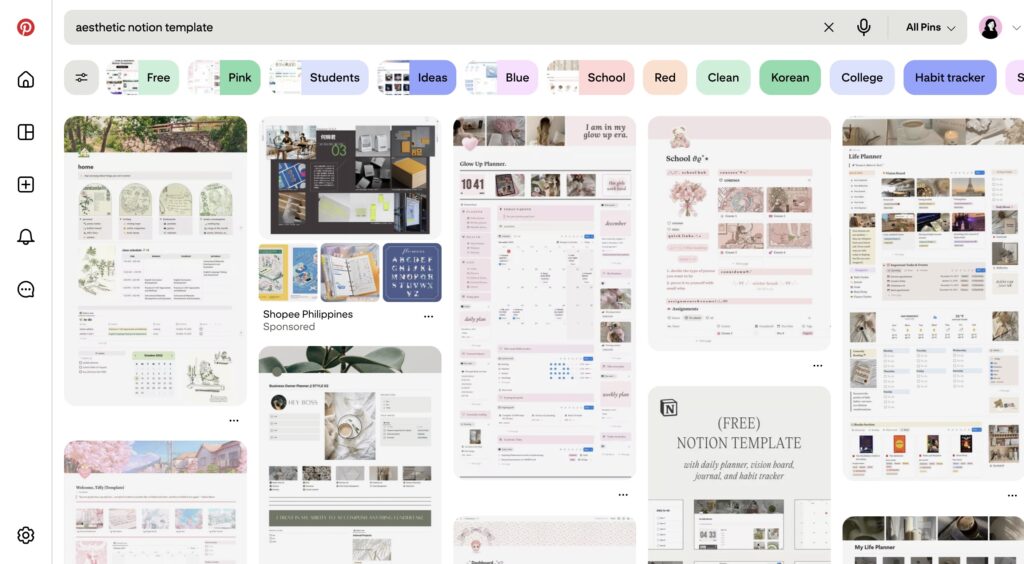
I’ve always wondered how to build Notion dashboards—for me, they looked pretty.
Fast-forward…
On a random afternoon in October 2023, I finally decided to watch several YouTube videos on my laggy laptop to help me get started with the Notion basics.
It took me hours of trial and error to build my first… Goals Tracker.
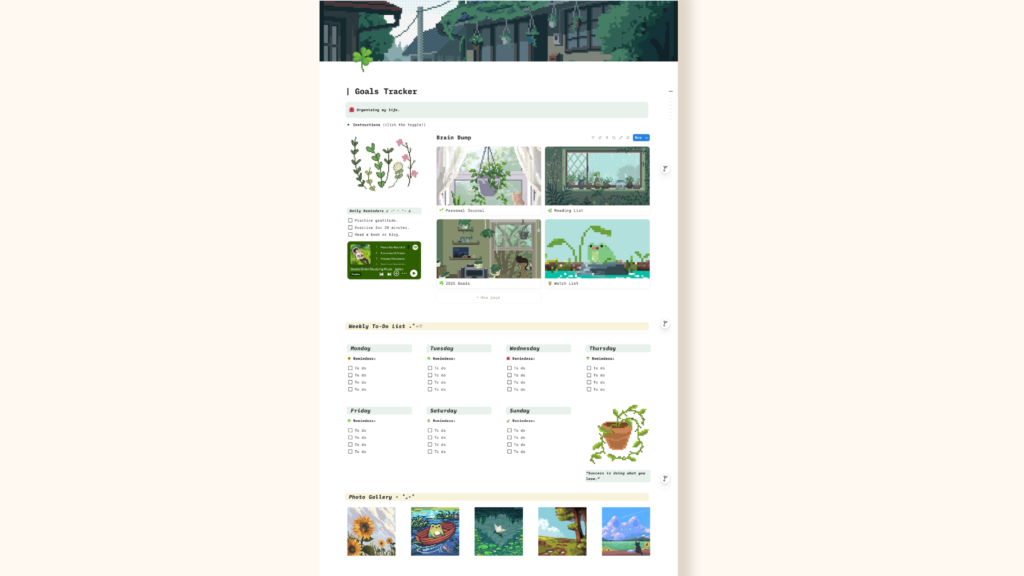
I was almost teary-eyed the first time I built my own template. I felt proud of myself!
A few days later, I launched it for FREE on Gumroad after designing the mockups and promoted it via Facebook Notion groups.
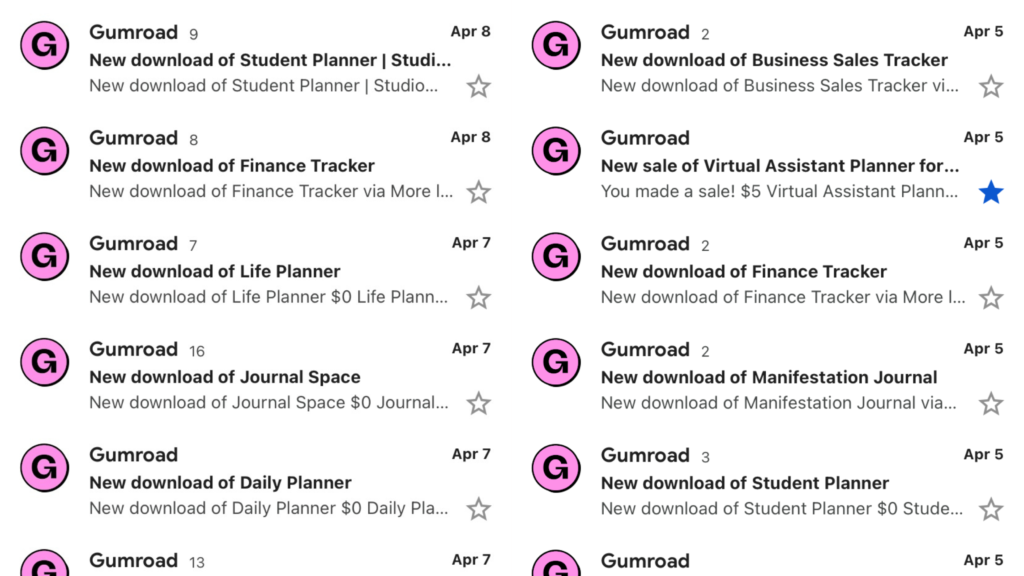
Within 24 hours, I kept receiving notifications from Gumroad.
I was like… “OMG! People are actually downloading my stuff!”

I couldn’t believe my Goals Tracker gained 30+ downloads at the end of the day, especially because I was only starting out at that time.
It felt surreal! 🥹
That experience gave me the motivation to create and launch more templates in the future.
Months later, I could finally say I understood how Notion worked.
For me, it was hard at first but later on, I realized it wasn’t complicated at all—you just had to familiarize yourself with the navigation and features.
Unexpectedly, I even worked with clients by creating custom templates for them. 💰
✨ Cha-Ching!✨

It was a challenging experience but I’d say it felt rewarding after every project.
Even until now.
My Notion templates still make sales on Gumroad 2 years later with positive reviews.
I still get download notifications from my free templates from time to time. 🥹💖
So, going back to your question…
Is Notion worth it?
Honestly, yes.
It’s not because I made a business out of it.
I mean, partly… yes. (I know, I’m such an honest person! 😆)
But at the same time, I use it to track the progress of my daily tasks, projects and monthly finances.
Here’s why I like Notion:
- It’s perfect for task tracking and organizing important information in one place.
- You can collaborate or co-create with anyone within the same workspace or dashboard.
- It allows you to create any type of dashboards from student planners, finance trackers, content calendars, to freelancer templates and many more!
- You can sell templates on the Notion Template Gallery or in your shop (like Gumroad or Etsy).
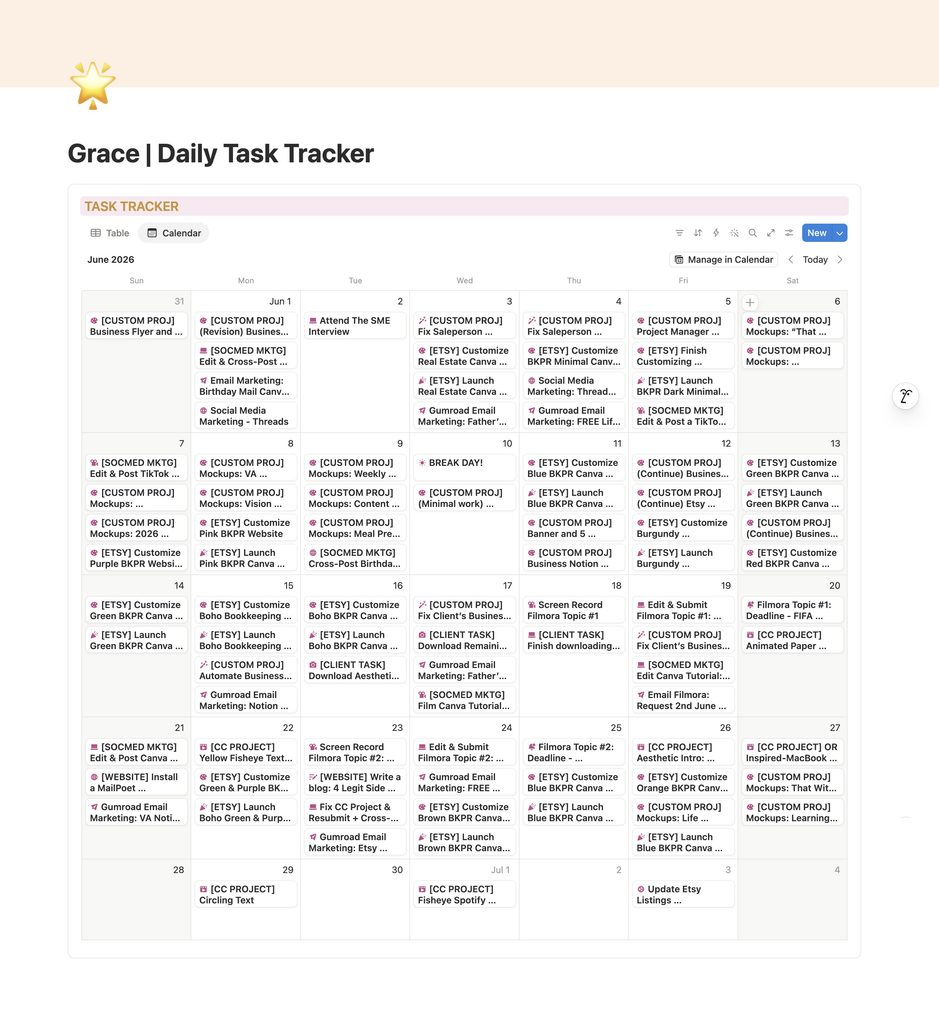
I made my own personal daily task tracker on Notion. It’s very simple but works perfectly for me!
The best part? 🤩
Notion is a FREE software! 🎉
There are multiple features to create your own system and download pre-made templates from the Official Notion Gallery.
Yes, it works on desktop, tablet and mobile (iOS & Android)!
*Cue confetti popping in the air*

Notion is one of the software that has a special place in my heart. It’s something that I use daily and has genuinely changed my life!
Plus, the interface is pretty and you can make any aesthetic planner out of it, too.
Are you a beginner?
It’s not a problem at all! Anyone can learn Notion and it gets easier once you become familiar with the features over time.
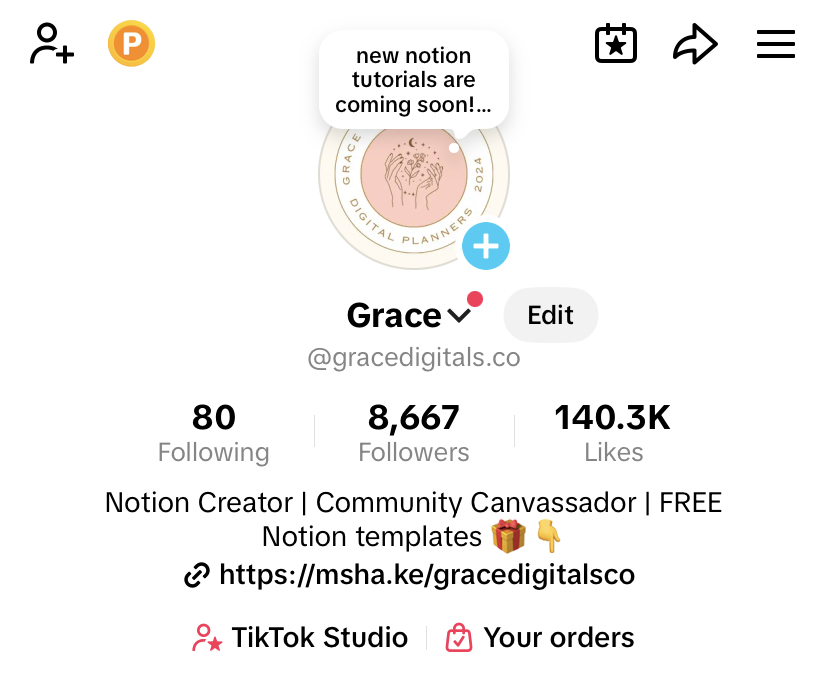
If you’re looking for easy Notion tutorials, feel free to follow me on TikTok (@gracedigitals.co) and stay updated with my future videos!
No Notion account yet? Sign up for free here.
Want Notion templates without creating from scratch? I got you, babe! You can download my free templates from my shop here.
Please leave a 5-star rating on my Gumroad shop if you find my templates helpful! ⭐️