Free Calendar Widget ✨
Instruction: Copy and paste the links to your Notion dashboard.
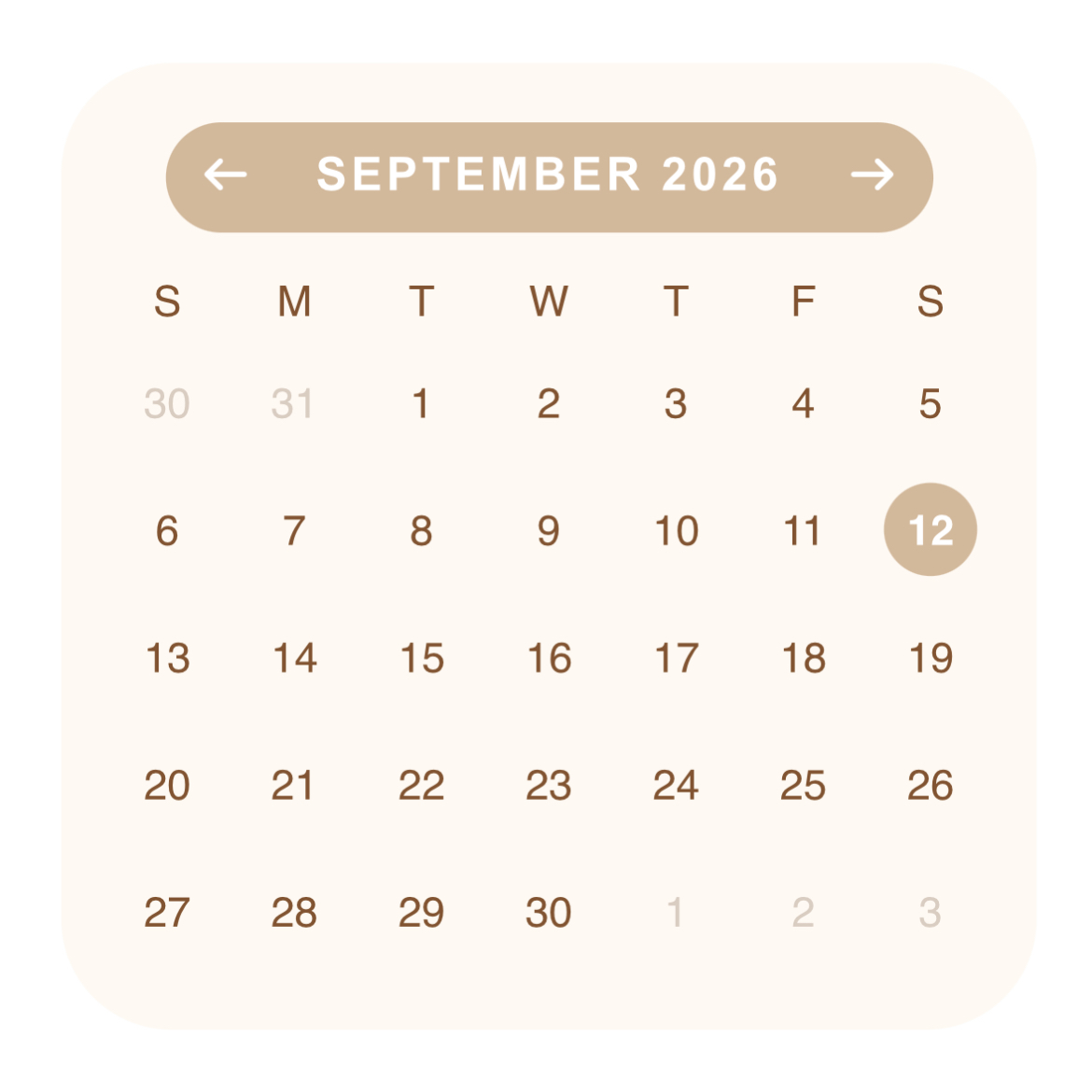

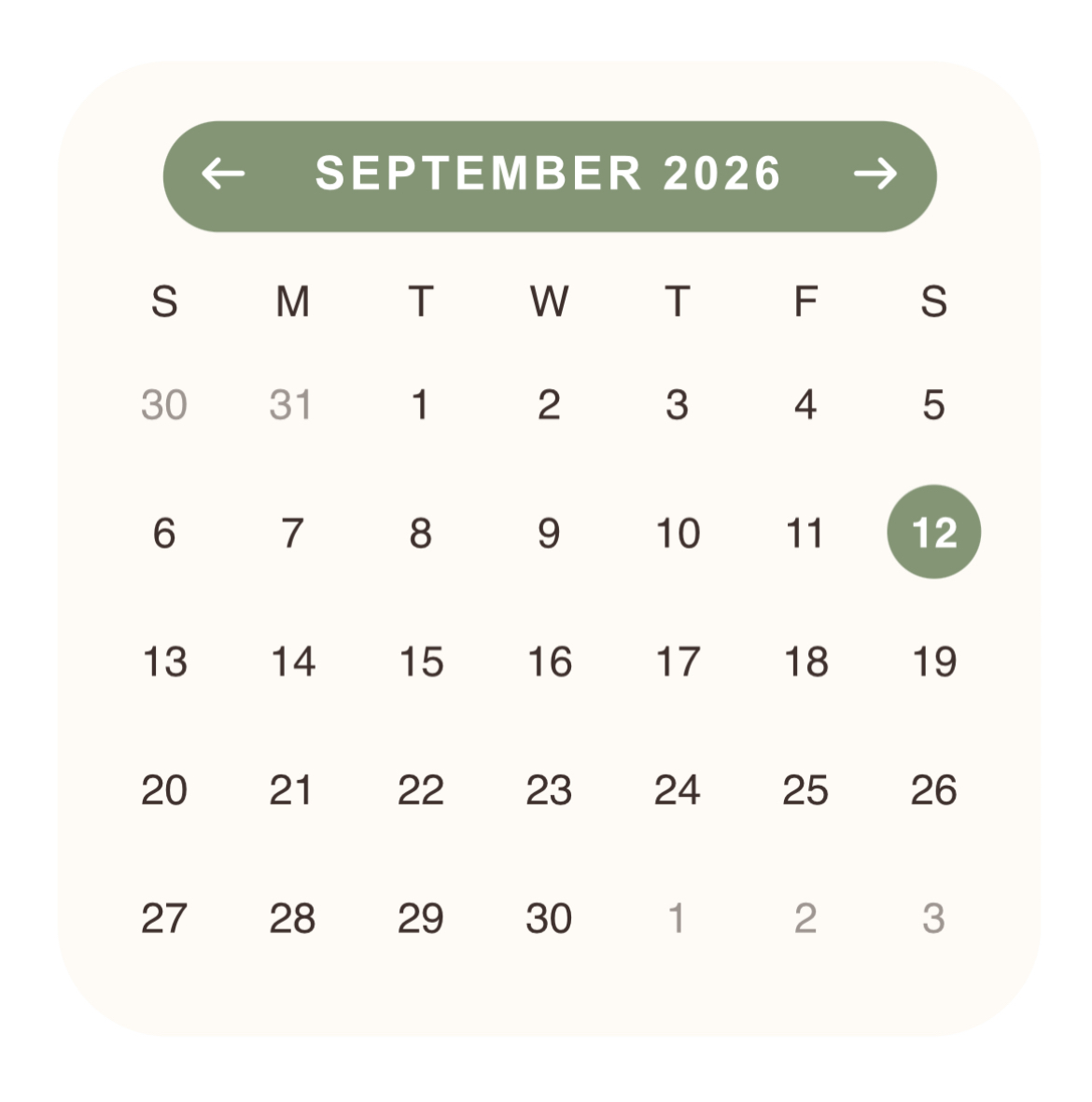
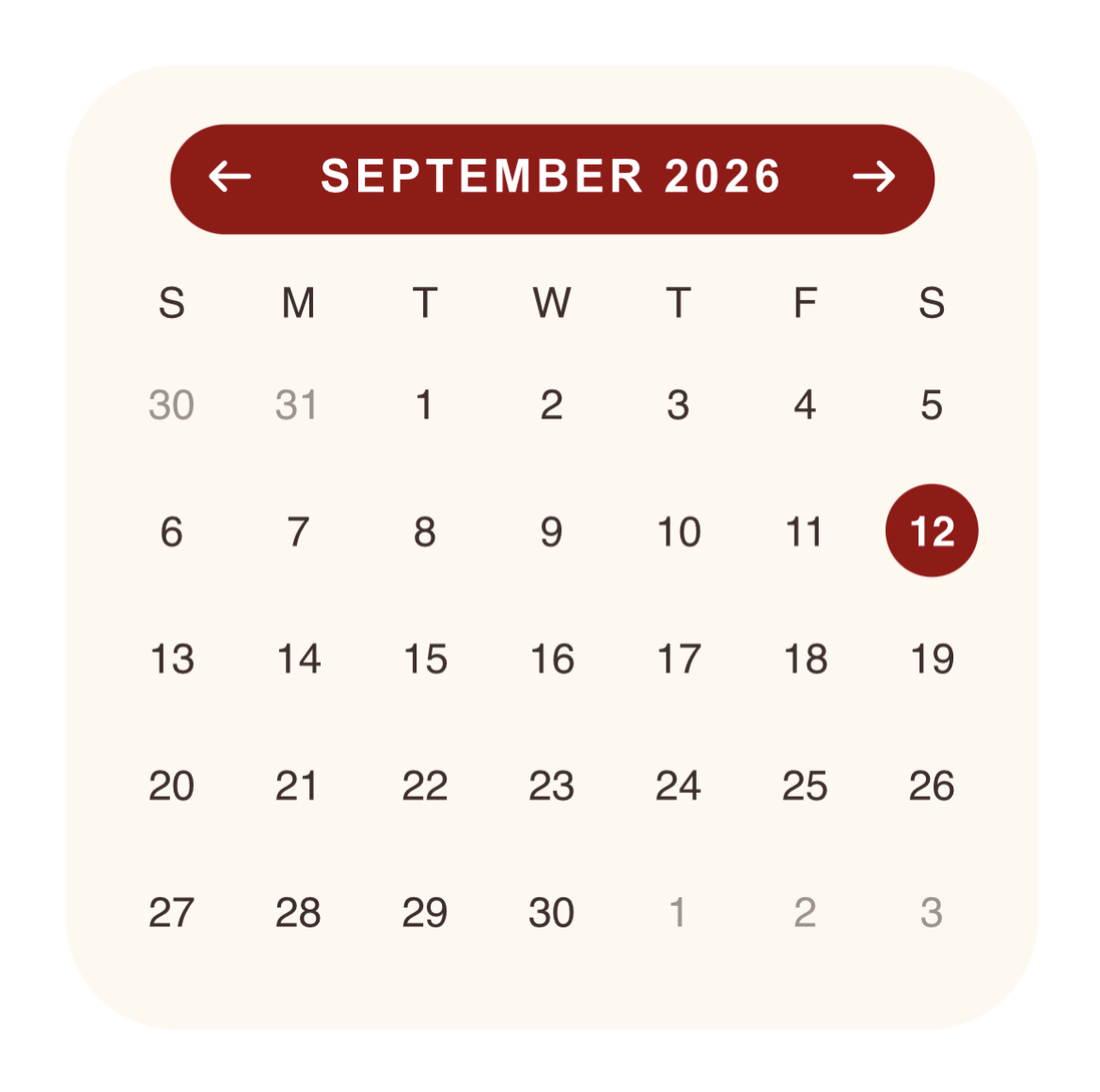
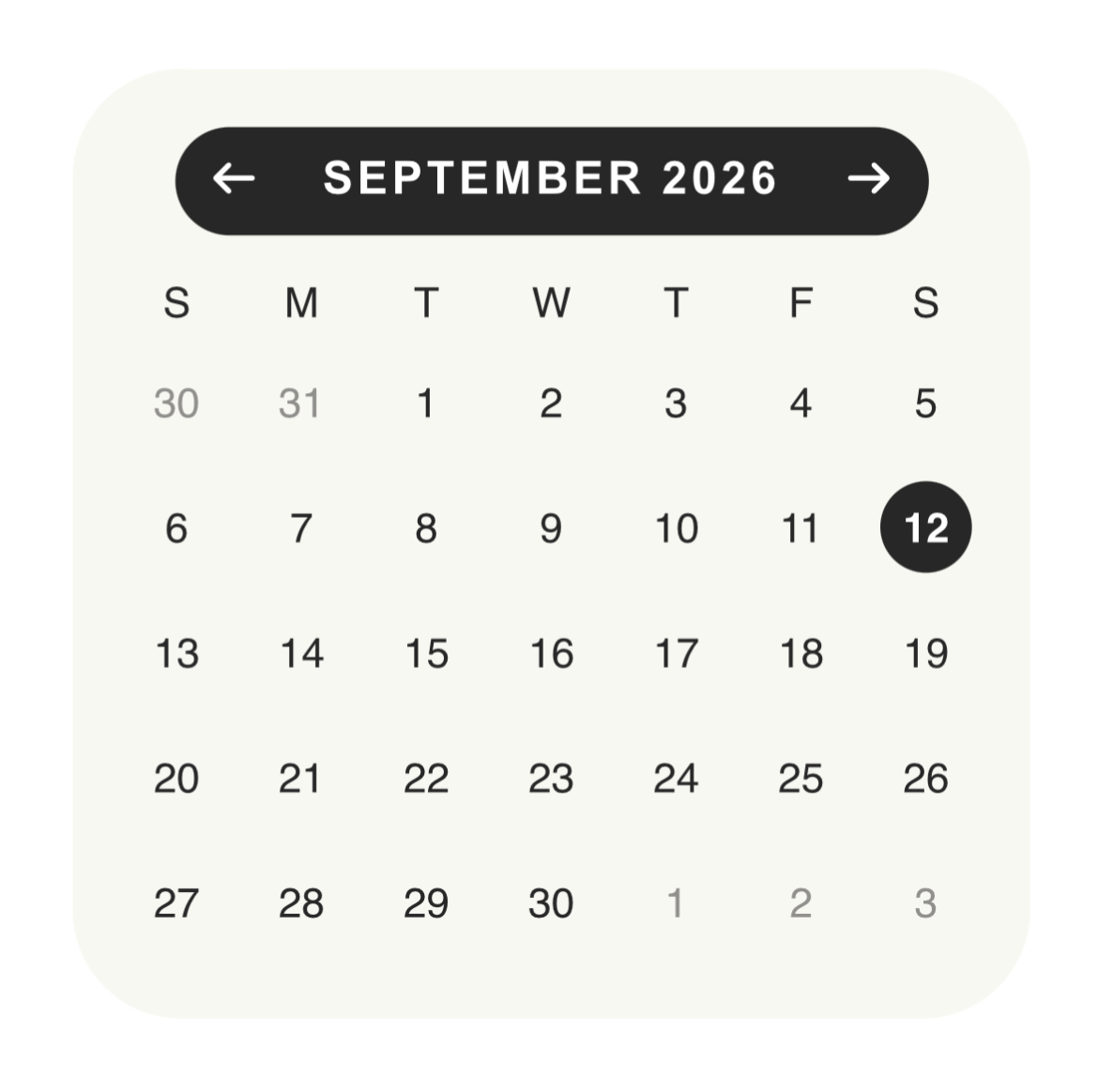


Swipe the calendar to see different colors available!
🔗 Widget Link
Brown: https://gracedigitalsco-brown-calendar-widget.vercel.app/
Pink: https://pink-calendar-widget-six.vercel.app/
Green: https://green-calendar-widget.vercel.app/
Red: https://red-calendar-widget.vercel.app/
Black: https://black-calendar-widget.vercel.app/
Purple: https://gracedigitalsco-purple-calendar-wid.vercel.app/
🤔 How to embed the calendar widget on Notion?
1. Choose your desired color from the options above and copy the provided link.
2. Next, you’ll be directed to the Vercel website.
3. Copy the URL from the search bar.
4. Open your Notion dashboard and type /embed.
5. Paste the link to the embed block on Notion and click the Embed link button.
6. You’re set to go!
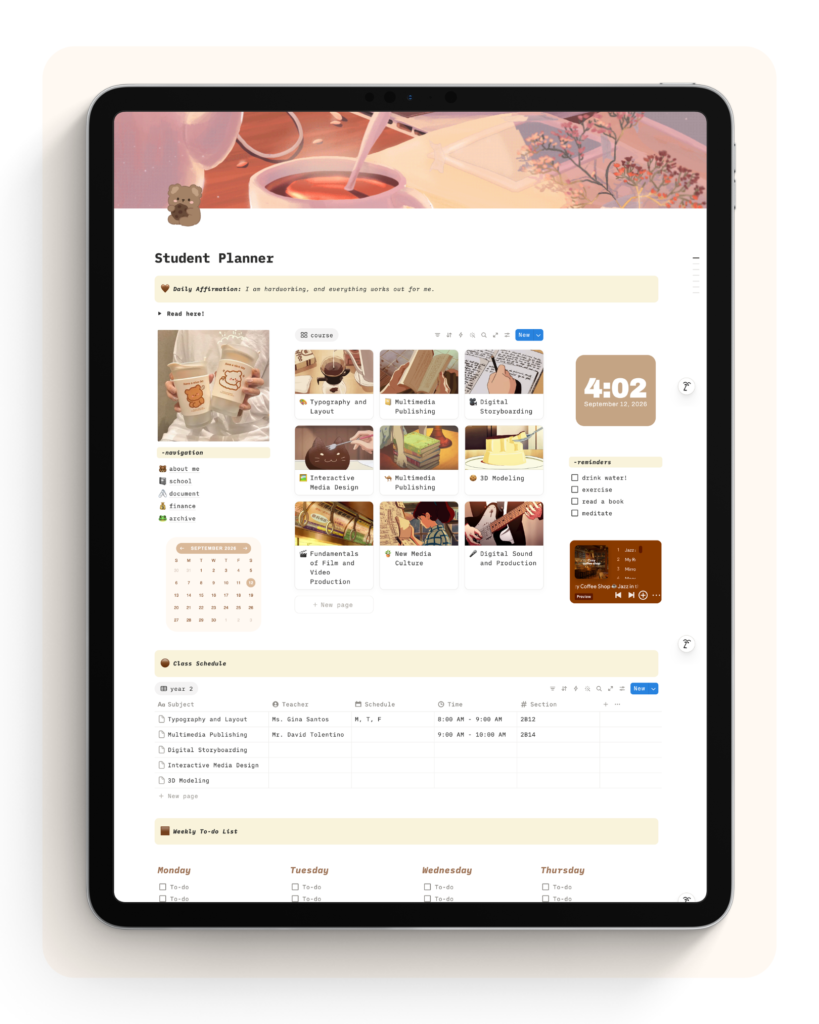
Calendar Widget on Notion! 💫
See how the widget looks like when embedded on your dashboard.