Free Digital Clock Widget ✨
Instruction: Copy and paste the links to your Notion dashboard.
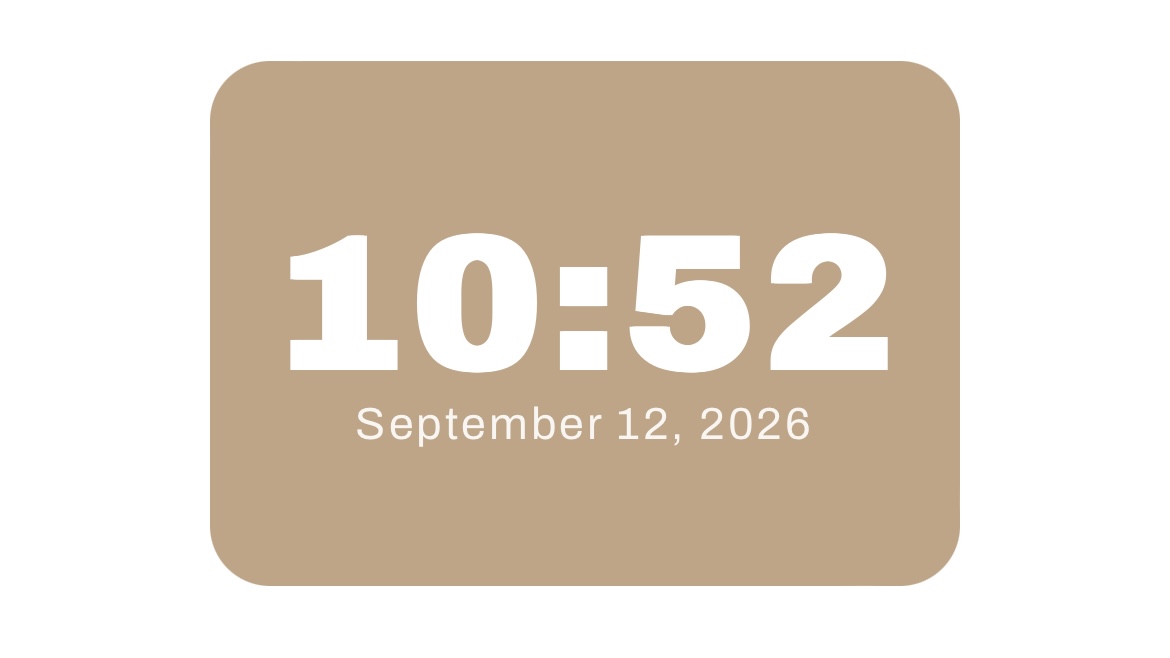
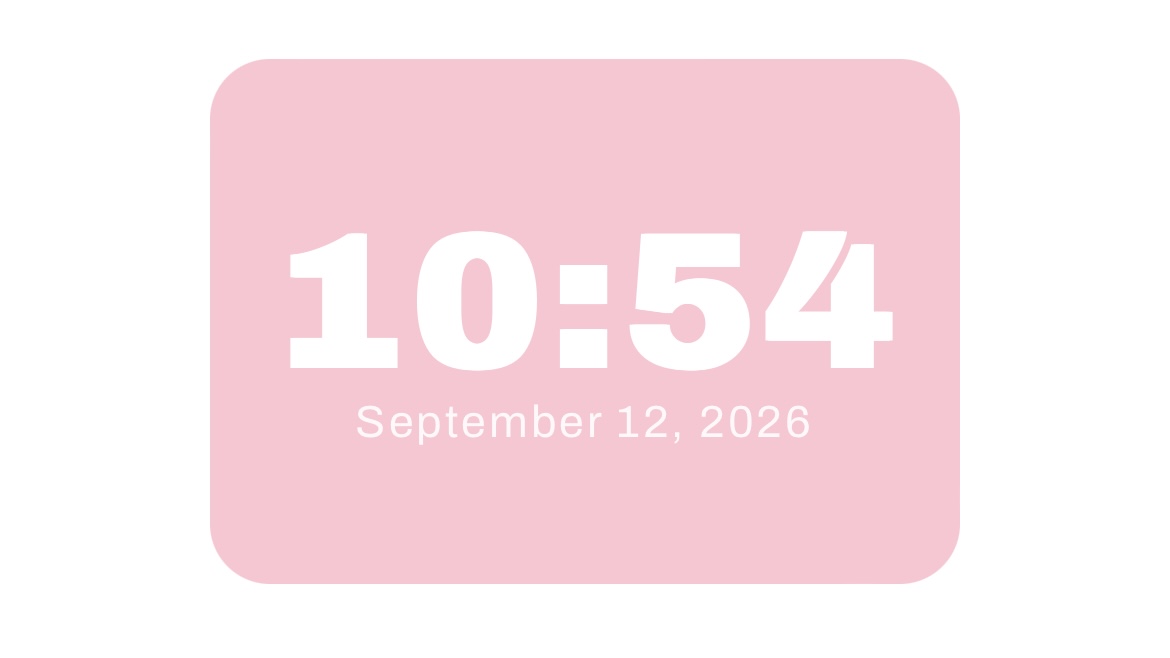
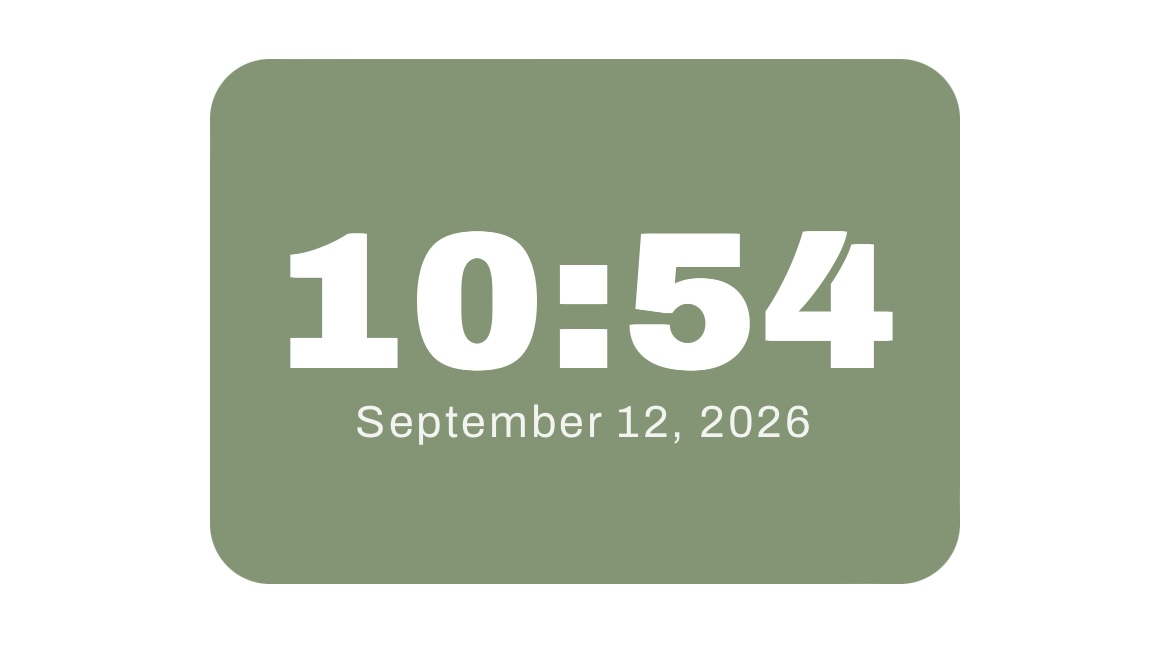
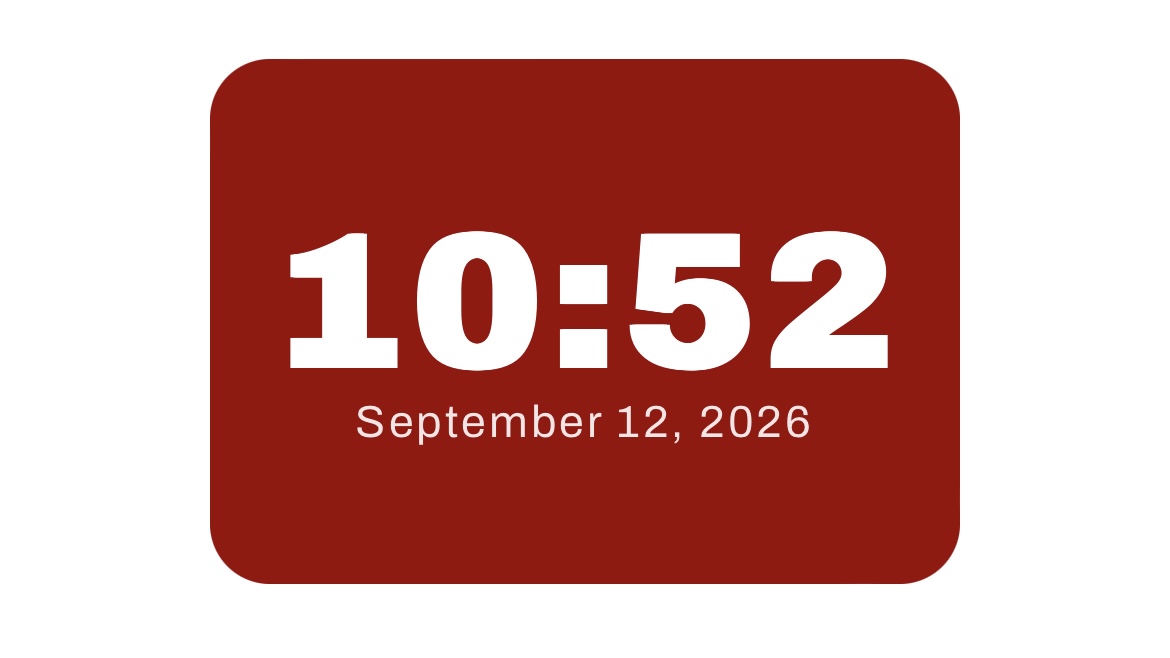
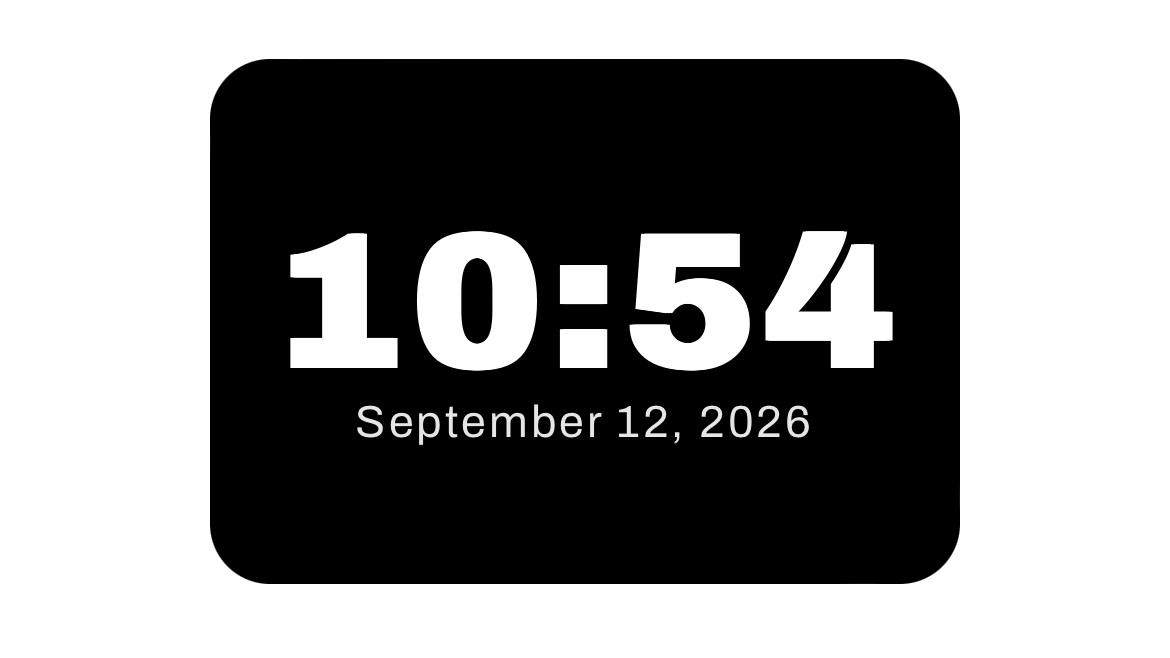


Swipe the digital clock to see different colors available!
🔗 Widget Links
Brown: https://gracedigitalsco-brown-digital-clock.vercel.app/
Pink: https://grace-digitals-co-pink-digital-cloc.vercel.app/
Green: https://gracedigitalsco-green-digital-clock.vercel.app/
Black: https://gracedigitalsco-black-digital-clock.vercel.app/
Red: https://gracedigitalsco-red-digital-clock-w.vercel.app/
🤔 How to embed the digital clock on Notion?
1. Choose your desired color from the options above and click the “Copy URL” button.
2. Next, you’ll be directed to the Vercel website.
3. Copy the URL link from the search bar.
4. Open your Notion dashboard and type /embed.
5. Paste the link to the embed block on Notion and click the Embed link button.
6. You’re set to go!
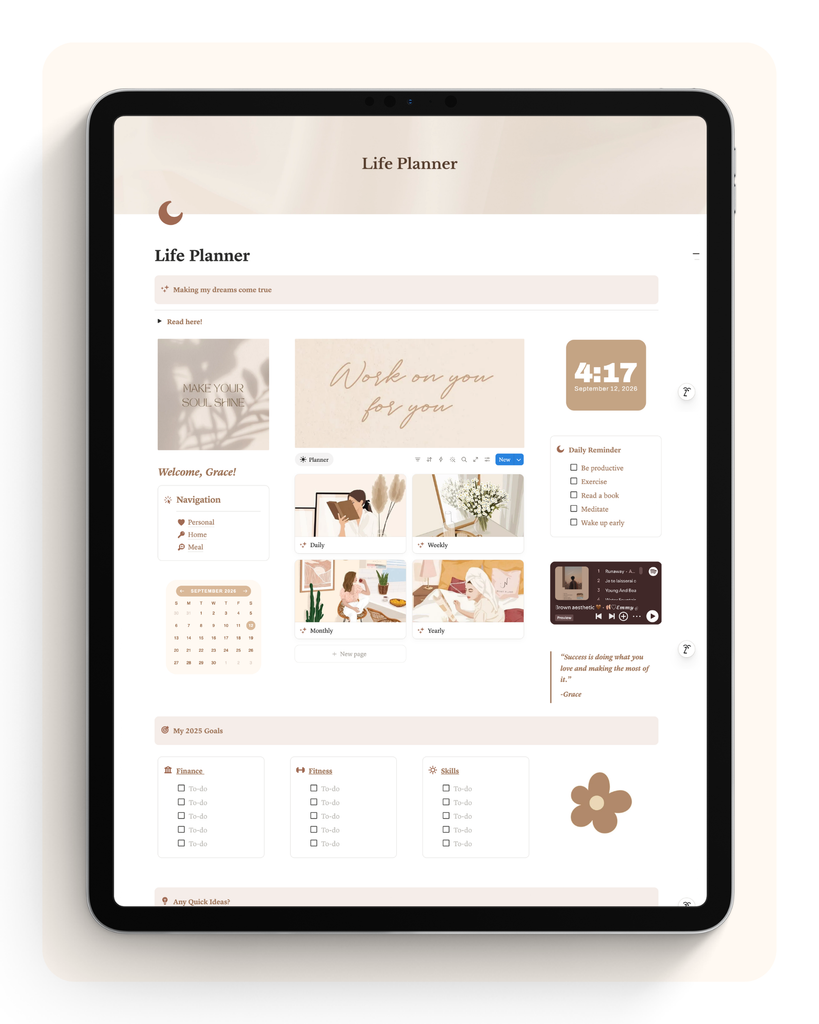
Digital Clock Widget on a Notion Dashboard! 🌟
See how the widget looks like when embedded on Notion.
☕️ Want more free widgets? Buy me a coffee to help support this website and fund more free widgets here.